St. Thomas E-Learning And Research - The Intersection of Technology and Pedagogy - Page 11
Upcoming Technologies

Virtually There: The Current State of Virtual and Augmented Reality

A year has passed since Virtual Reality, or VR, made a big splash with the introduction of Oculus Rift and HTC Vive at the high end, Sony PS4 in the middle and Galaxy Gear, Google Cardboard and Google Daydream offering the simplest (yet still compelling) experience. This year each major player will release a second generation VR device, and there are some new companies and technologies joining the mix.

While Virtual Reality blew away everyone who experienced it, VR did not see tremendous mainstream adoption. The systems were simply too complex and expensive to interest casual users. Sales figures bore this out: PS4 VR sold more than Oculus and Vive combined, due to the built in user base, lower price, and simplified setup. Even so, most people have probably experienced VR through Google Cardboard devices, as they are an extremely low-cost entry into VR (assuming you already have the expensive phone required to operate it!)

HTC

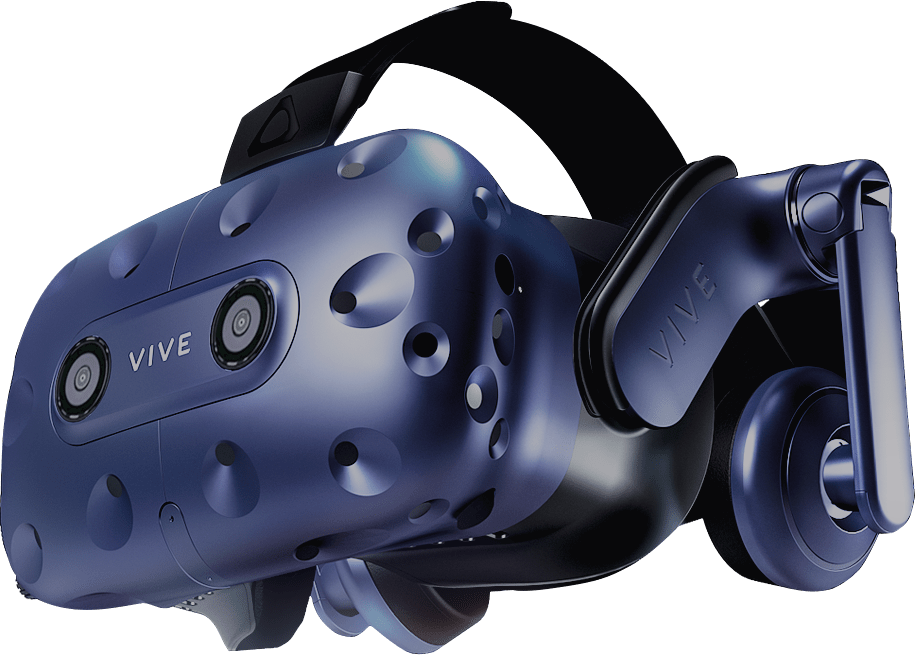
So what’s happening in the Year 2 VR? Already out is the HTC Vive Pro, which doubles the resolution of the original Vive, along with the Wireless Adapter for the Vive, so there go the tethers! Another forthcoming Vive technology is the Vive Anchor. The Anchor will precisely place your entire body in the virtual world for more accurate tracking.
Oculus

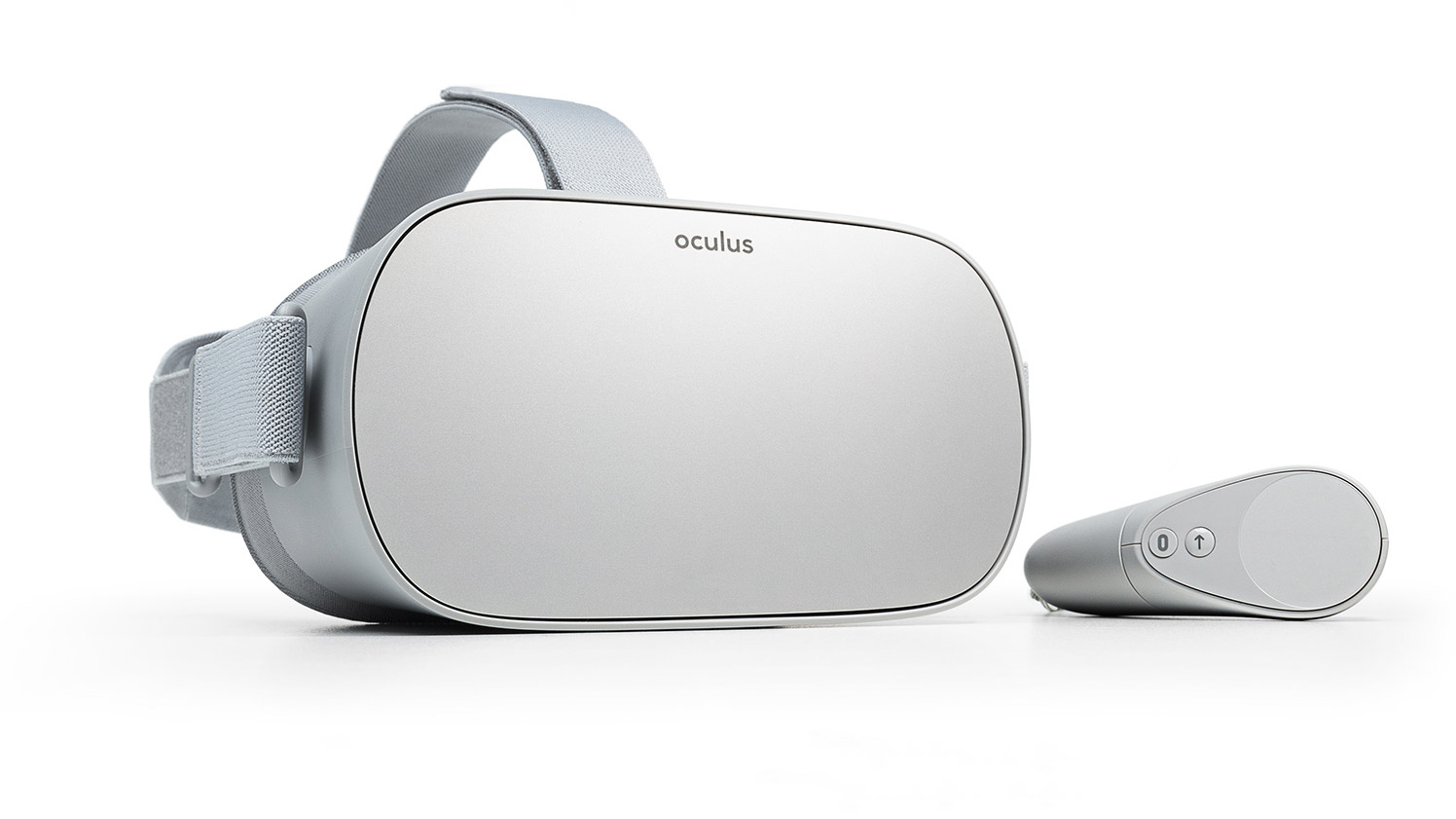
The next generation of PC-based Oculus Rift has been cancelled in favor of the Oculus Quest, which has not yet been released yet (more about that later). In the meantime, Oculus has released the Oculus Go, which is a lower-powered version of the Quest that uses a single controller. The Go is a standalone headset similar to Galaxy Gear or Google Daydream, with the exception that no phone is required because the technology is built in to the headset. The Go, at $200 for the 32 GB version, is a major step-up from a cell phone setup. The resolution is better, the built-in software is excellent (Virtual Telepresence, anyone?) and the comfort and operation are significantly improved. STELAR has two Oculus Go’s in the showcase to try out. During testing, I played a game of chess with my daughter via Oculus Rooms. I was in my office and she was at home. The experience was seamless and immersive. You both appear in a virtual game room and can see each other’s avatars, with good lip sync. Conversation is very natural. One of the best features of the Go is the Spatial Sound. You can easily locate sounds in three dimensions when using the headset, which significantly heightens the sense of reality!
ClassVR

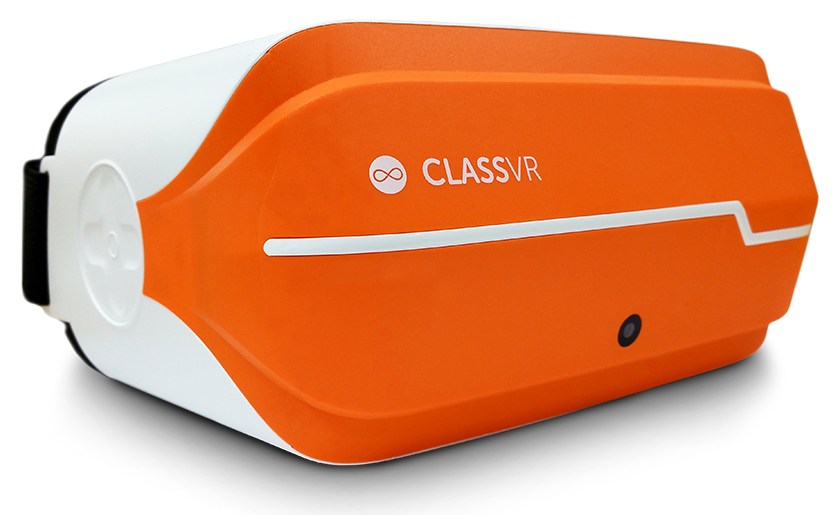
Another new VR technology we have in STELAR is called ClassVR. This is a system of VR goggles that can be controlled from a central location, e.g. the teacher, who can allow students to explore on their own or deliver a specified lesson plan to all goggles at once. The goggles come in a road-ready case for easy transport. Another part of ClassVR is their authoring system, which is used to make content for VR lessons. The authoring system is a series of pre-created VR elements, lessons and demonstrations that can be assembled by a teacher into a custom lesson on many different topics, from anatomy to English to space exploration. This system is intended to go out into the field and be practically used in actual classes, so if you are interested in exploring VR lesson creation and delivery, let us know!
Augmented Reality

The big reality story in 2019 is AR- Augmented Reality. Unlike VR, which completely immerses the user and cuts them off from the outside world, AR combines computer generated imagery with the real world, allowing you to see things that appear to exist in reality but don’t! As an example, imagine you are building a new skyscraper. With AR technology, you could create a virtual model of the proposed building, go onsite and see what the building would look like on the actual lot before it was built! You could even go inside the virtual building and walk the layout.

Magic Leap

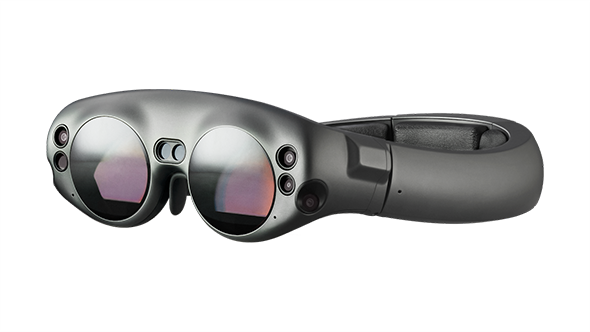
One of the most anticipated AR devices came out in late 2018, called Magic Leap. We have a Magic Leap in the STELAR Showcase. Early users have had strong reactions, both negative and positive. Digital artifacts seen through the Leap appear to interact with objects in the room- virtual objects falling on tables, breaking apart and rolling to the floor. Life-size virtual avatars that appear to be standing on the ground in front of you. Portals that open on the walls and allow you to gaze into infinity. Interactive bioluminescence! If you’ve been wowed before by VR, come be wowed again by AR!
Lightform

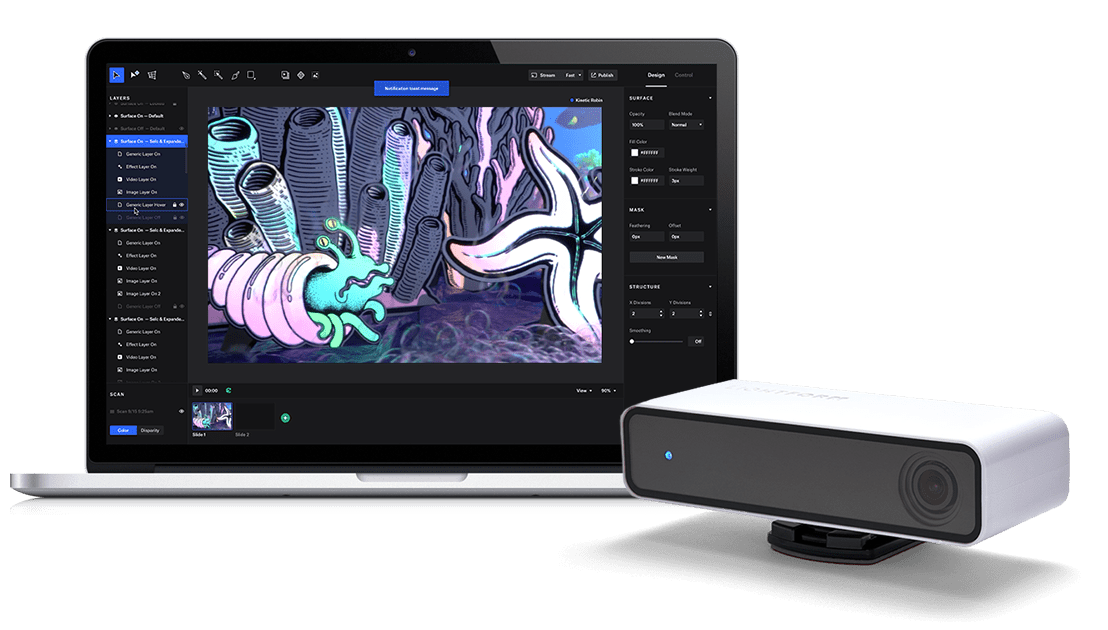
Projected AR. This brand new product (releasing in November, first wave sold out, ours is coming in April!) couples with a projector to create pixel-accurate AR! It includes a GUI design interface for code-free AR creation. Examples I saw included uncarved pumpkins that were made to look carved with burning candles inside, white skeletons (it was Halloween) on which animated, Day of the Dead-style tattoos would appear, and white parasols that appeared to have rotating, multi-colored patterns. This technology seems ideally suited to educational uses- AR annotation of real objects, sculpture projected onto blank forms, even AR-enabled Tommie welcoming you to campus!
 

SparkAR Studio

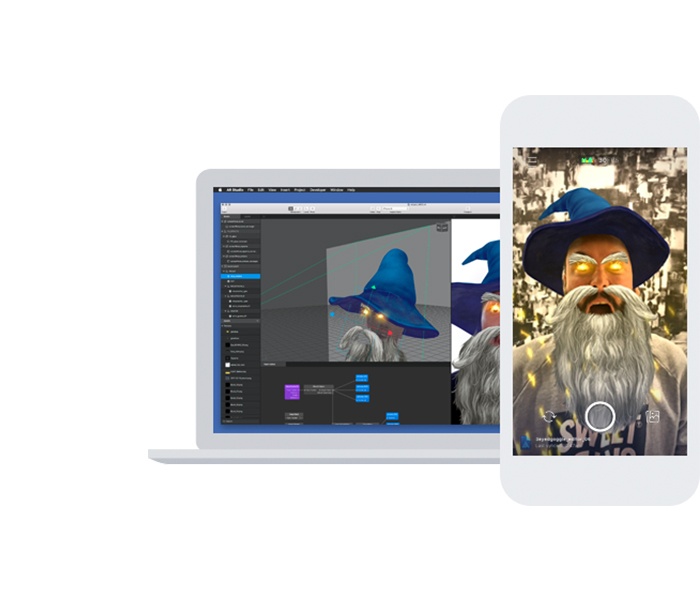
Another AR technology that’s been around for awhile is Facebook’s AR Studio, recently renamed SparkAR Studio. They’ve also removed the coding requirements to make it entirely GUI-based. This software is used to create AR experiences viewed through Android or iOS phones. You’ve probably seen it being used to add dog or cat ears to people, face-tracking scary clown makeup, and many other digital creations that map onto your face or other objects. This is one of the easiest entry points into AR creation, and is potentially one of the most lucrative as it has direct access to millions of Facebook and Instagram users. SparkAR Studio is free to download. Mac only at this time, but a PC version is promised this year. https://developers.facebook.com/docs/ar-studio
And More!

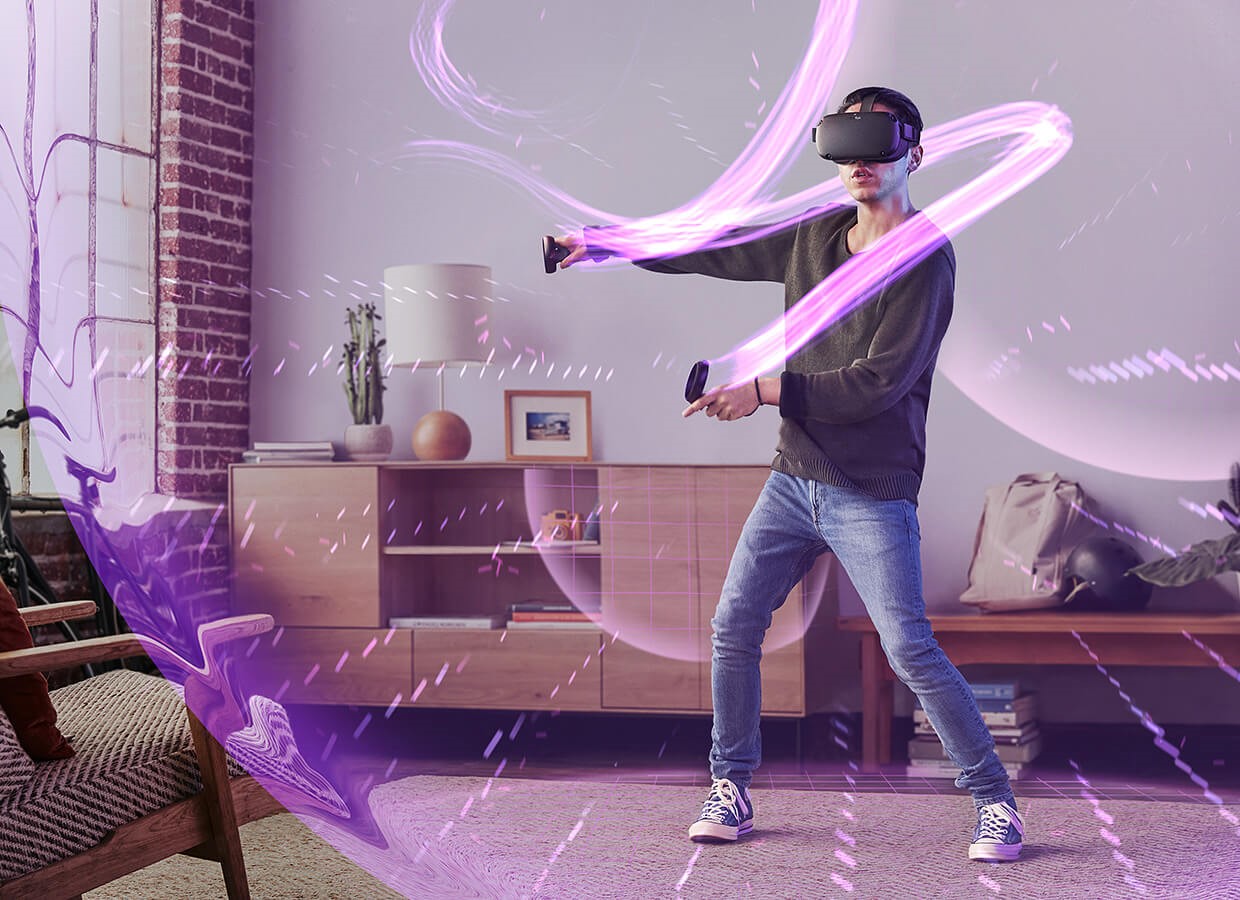
As mentioned previously Oculus just announced the spring release of the Oculus Quest, a stand-alone headset with room tracking and hand controllers. This is an exciting development that promises to bring some portion of the power of a connected headset to a completely portable unit!
Conclusion

While VR wasn’t a big commercial hit initially, the technology clearly opens up new territory in a variety of areas including art, scientific visualization, training and education. When the technology is able to deliver a comfortable, cost-effective solution, usage will potentially skyrocket. Think of the first cell phones, (called “car phones” at the time): They cost thousands of dollars (the equivalent of $16,000 of today’s dollars!), were extremely limited in their functionality, of little practical value, and literally had a battery the size of a suitcase! Virtual Reality is currently in the “suitcase cellphone” era, but an era where VR/AR services are delivered in real time, at photorealistic resolution without tethers or bulky goggles is easily imaginable.

VR/AR at STELAR

STELAR’s goal in year two is to move VR/AR beyond the showcase, and begin exploring pedagogically significant uses of VR/AR. Practically, this means partnering with professors to build VR/AR into the lesson. This has been happening already, with Dr. Alison Underthun-Meilahn’s Wartime Literature class using complementary virtual experiences to supplement their reading, and Art History’s use of 360 cameras- another easy-to-use VR creation tool- to capture not just the art their students visit around the world, but the cultural and physical context in which it exists, providing a glimpse into that experience for those who didn’t physically make the trip. VR/AR can be used in many different ways at many different levels of technical execution. If you have an idea for using VR in teaching, STELAR can help you figure out a way to make it a reality that’s more than just virtual!



Paleofuturism

How do you use your “earth station”?

We can instantly choose one of millions of videos to play on-demand with just a couple of taps on a magic piece of glass called a “phone”…and that’s really, really different than the way content was once consumed.

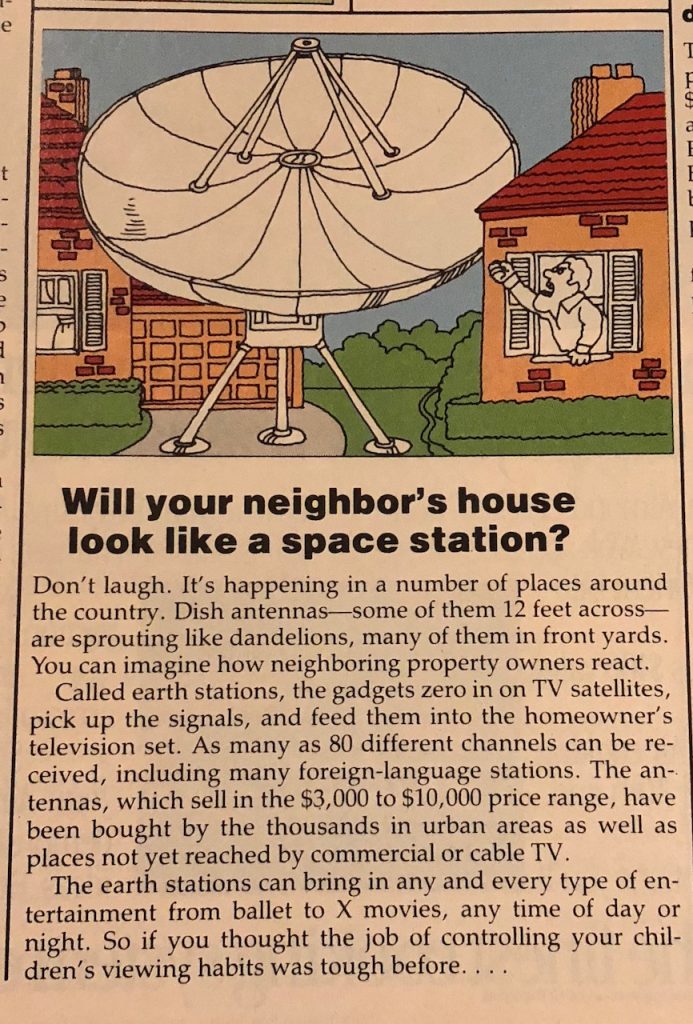
Thirty-five years ago, HOME Magazine ran a story on what they said were called “earth stations.”

"Will your neighbor's house look like a space station? Don't laugh. It's happening in a number of places around the country. Dish antennas -- some of them 12 feed across -- are sprouting like dandelions, many of them in front yards. You can imagine how neighboring property owners react. Called earth stations, the gadgets zero in on TV satellites, pick up the signals, and feed them into the homeowner's television set. As many as 80 different channels can be received, including many foreign-language stations. The antennas, which sell in the $3,000 to $10,000 price range, have been bought by the thousands in urban areas as well as paces not yet reached by commercial or cable TV. The earth stations can bring in any and every type of entertainment from ballet to X movies, any time of day or night. So if you thought the job of controlling your children's viewing habits was tough before...

The $3,000 price in 1982 would be more than $7,000 today.  Remember, this was an era when “time-shifting” was impossible unless you were one of the few to own a VCR, and “on-demand” was inconceivable.  Eighty channels has grown by a factor of about one million.  Viewing “many foreign-language stations” is nothing compared to having actual content from peers and producers sent to you across the planet.

And the notion of “controlling” viewing habits (of children, or of ourselves)?  Nobody could have imagined…

So at one time, people were willing to spend months’ worth of wages to fill their yard with a giant metal dish… to choose from among 80 channels.  Was that for education?  Or for entertainment?  Now that we have the world at our fingertips (literally), do we show the same level of dedication to learning from others across the globe?  Entertainment has changed in 35 years… but not that much.  We still go to movie theaters.  We still go to live theaters and concerts.  We still sit in our living rooms in front of large screens (now larger and flatter and clearer, but still remarkably like the televisions of the 1980s) viewing movies, one-hour dramas, sports and sit-coms.  Did swiping through Facebook (or Instagram or Tinder) change the nature of how we engage with the world?

This post was written by Eric M. Larson, an Instructional Systems Consultant in the St. Thomas E-Learning and Research (STELAR) Center at the University of St. Thomas in St. Paul, Minn. Eager to reminisce about classic computing? Stop down at STELAR in the lower level of the OSF Library, where you’ll find yourself among friends, or email us at stelar@stthomas.edu.

Future of Higher Education

STELAR Staff Sharing Their Expertise at International Conferences

Educause is the largest community of technology, academic, industry, and campus leaders advancing higher education through the use of IT.  The Educause annual conference gathers people from around the world to share ideas and discover solutions to today’s challenges.

Creating the STELAR Experience:  University Center’s Impact on Educational Transformation.
Brett Coup, Associate Vice President for Academic Technology (St. Thomas eLearning and Research- STELAR)
Peter Weinhold, Director of Academic Technology (STELAR)

Delivering Course Materials Inside the LMS:  An ITS and Libraries Partnership
Greg Argo, Associate Director for Access & Digital Services (St. Thomas Libraries)
Trent Brager, Education and Social Sciences Librarian (St. Thomas Libraries)
Glori Hinck, Instructional Designer and Research Manager (STELAR)


OLC Accelerate is the premier global gathering covering the field of online learning in higher education.  The conference is devoted to driving quality online learning, advancing best practice guidance, and accelerating innovation in learning for academic leaders, educators, administrators, online learning professionals, and organizations around the world.

Development of an Online Student Orientation: Supporting Success in the Digital Environment
Jo Montie, Online Learning Support Systems Manager (STELAR)

Hyflex Course Delivery: Learner Choice, Equivalency, Reusability, Accessibility
Glori Hinck, Instructional Designer and Research Manager (STELAR)

Town Hall:  Professional Development and Support
Glori Hinck, Instructional Designer and Research Manager (STELAR)

Stay tuned for highlights from these conferences in a future post!

This post was written by Glori Hinck, an Instructional Designer for the St. Thomas E-Learning and Research (STELAR) Center at the University of St. Thomas in St. Paul, Minn.  To learn more about this topic, please visit our website at www.stthomas.edu/stelar or email us at stelar@stthomas.edu.

Best Practices, Tips, and Tricks, Canvas: Did you know...?

What’s All the Hype About Modules?

Since the university moved from Blackboard to Canvas, we’ve heard a lot about Modules: “Build your content in modules; don’t forget to publish your modules; I never had to use modules in Blackboard, they’re too confusing.”  So, what’s all the hype about modules anyway?

True, Blackboard didn’t use modules. That’s one of the main paradigm shifts we encounter when moving to Canvas. Instead of creating menu items and folders as you did in Blackboard, Canvas has you assemble and display content items in Modules. But once we wrap our heads around the modules concept, we can see they’re pretty powerful.

To better understand the idea behind modules, picture a scrumptious spread of holiday food set out on the dining table. The items on the table really come from other locations: the kitchen, the cupboard, the refrigerator, or pantry; but they are assembled and displayed on the table for the benefit and consumption of our guests.  So it is with Modules. Content items like files, assignments, discussions, and pages really live elsewhere in the course site, but we intentionally assemble and display them in modules so there’s a logical sequence that walks the student through the learning process.

One of the powerful features behind modules is that you can set requirements for viewing or completing the items inside a module, or specify the sequence in which they will be completed. By setting module requirements, you can release individual items based on certain criteria met on previous items. You can also control the visibility of module items or an entire module through the Publishing function.

Modules really help us assemble content in logical, sequential ways, allowing us to display various content pieces, whether it be an assignment, a page of instructions, a file, and so on. The flexibility and capability of modules make them a great feature in the Canvas learning management system.

For more information on the power of modules, check out these guides and videos.


This post was written by Michael Wilder, an Instructional Designer for the St. Thomas E-Learning and Research (STELAR) Center at the University of St. Thomas in St. Paul, Minn. To learn more about this topic, please visit our website at www.stthomas.edu/stelar or email us at stelar@stthomas.edu.

STELAR Events

Introducing the STELAR Scoop

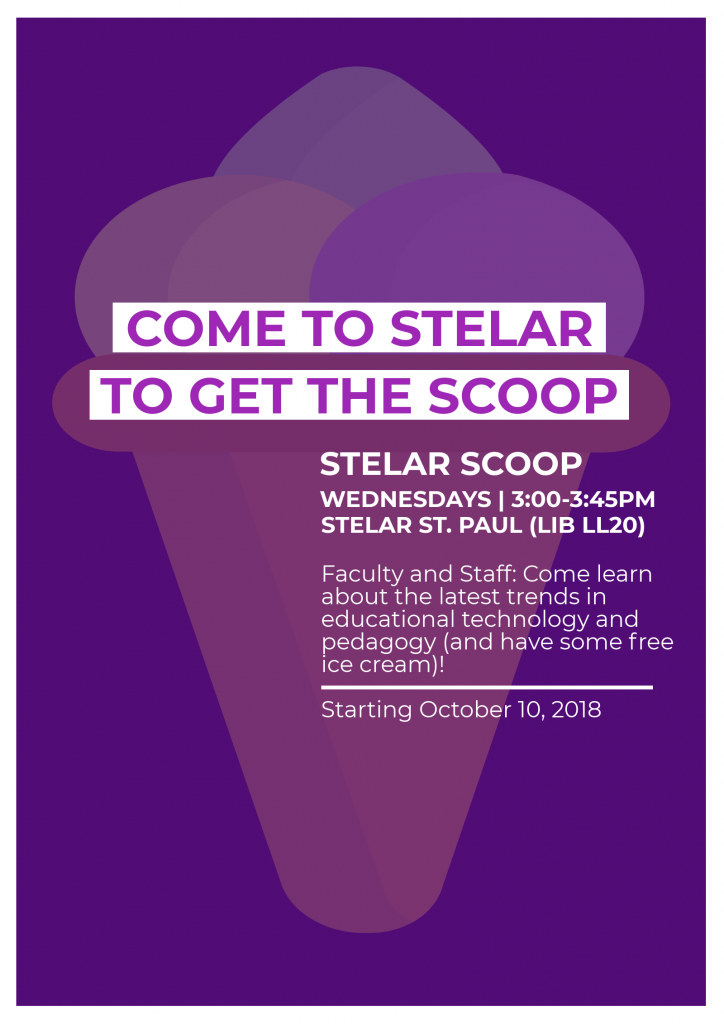
Have you seen this sign around campus?

Flyer about the STELAR Scoop Events


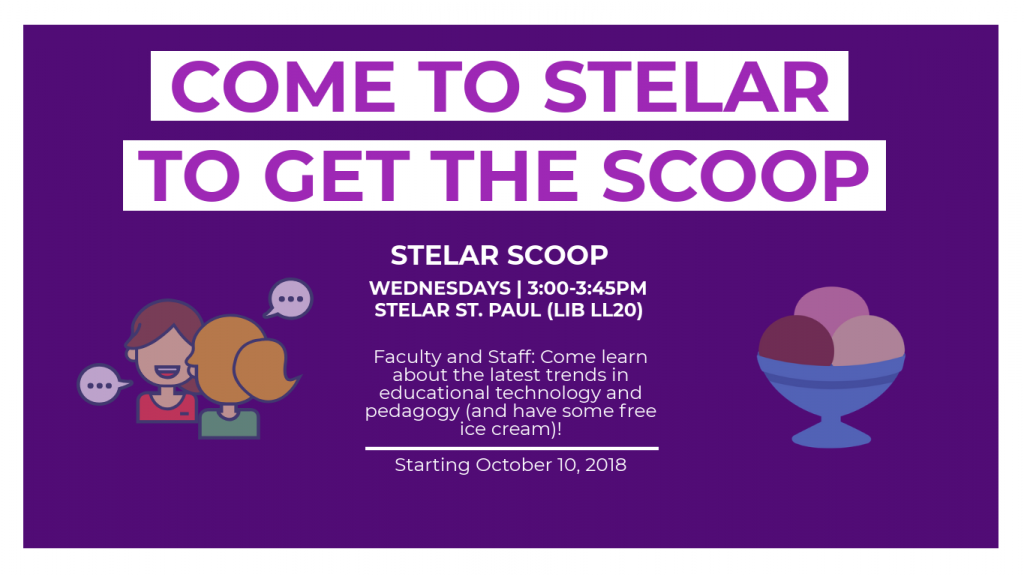
Or maybe you’ve seen this banner on OneStThomas or other websites.

Flyer about the STELAR Scoop Events

Either way, we want you to know that STELAR is starting a brand new series of round-table discussions called the STELAR Scoop! Faculty and Staff, feel free to stop by STELAR St. Paul (LIB LL20) on Wednesdays from 3:00-3:45pm to “get the scoop” about the latest trends in educational technology and pedagogy. Oh, and also stop by for the free ice cream!

These sessions are very informal, so feel free to come late or leave early as needed.

Sessions begin on Wednesday, October 10, 2018.

This post was written by Karin Brown, an Instructional Designer for the St. Thomas E-Learning and Research (STELAR) Center at the University of St. Thomas in St. Paul, Minn. To learn more about this topic, please visit our website at www.stthomas.edu/stelar or email us at stelar@stthomas.edu.