johnholm – St. Thomas Libraries Blog
All Posts By

johnholm

LibrarySearch, News & Events

New Look for LibrarySearch

Starting the week of July 13, the Libraries’ search system will get a refreshed look and feel!
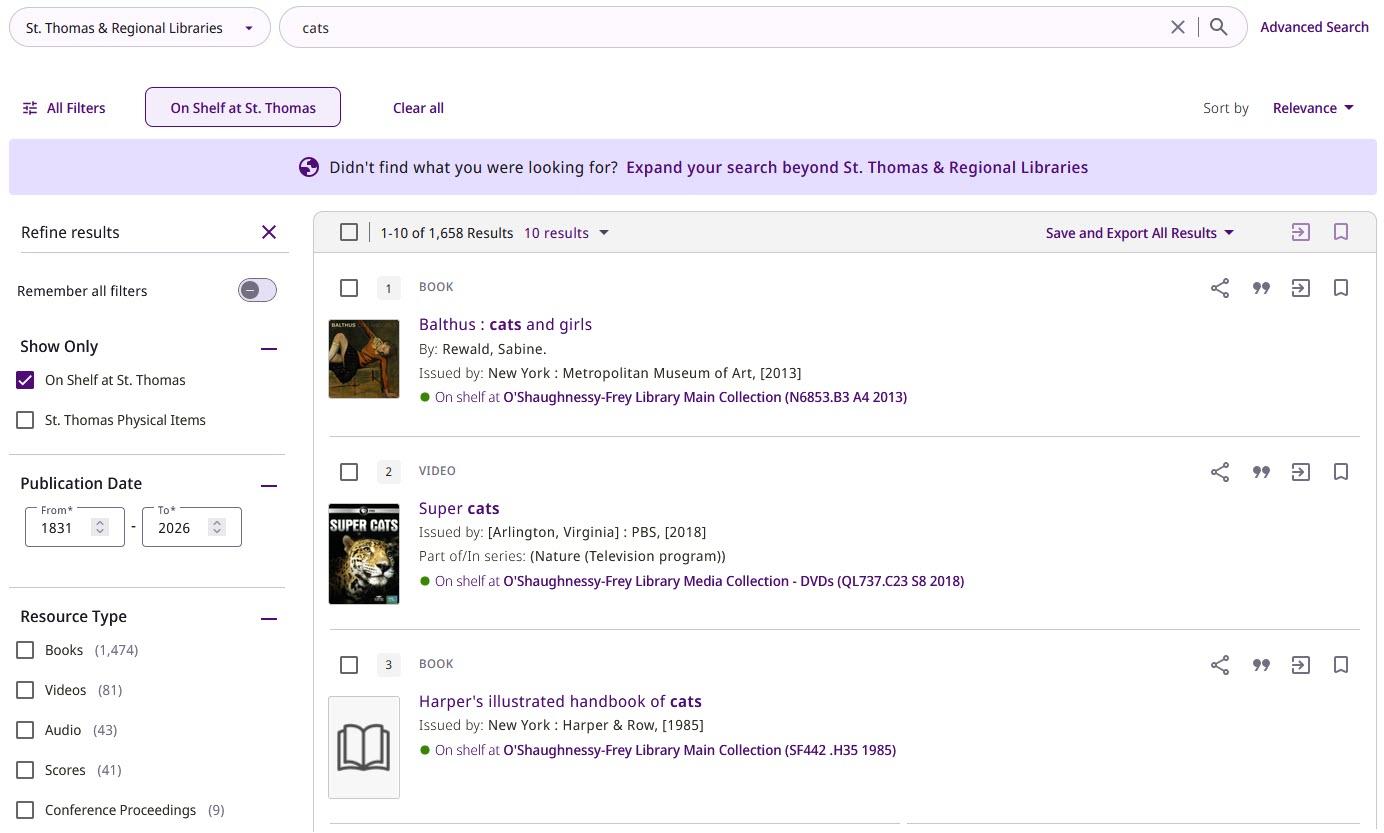
New LibrarySearch search results page example

The new user interface is built on a modern responsive web framework and designed to provide improved adherence to accessibility standards. As before, you will still be able to search across the St. Thomas Libraries’ physical and electronic collections, discover and request materials from other libraries, and manage saved records and searches through your LibrarySearch account.

What’s changed?

    • Search bar remains at the top of the page as you scroll through search results
    • New share, cite, export, and save icons

Brief record from search results page with action items highlighted

Want to try it out?

The new LibrarySearch is available now to preview. Please use our New LibrarySearch UI feedback form to share comments or questions about the refresh.

Database Highlights & Trials, News & Events

New User Interface for EBSCO Databases

EBSCOhost logo

EBSCO has rolled out a modern, user-friendly new interface design for databases on the EBSCOhost research platform, including Academic Search Ultimate, Business Source Premier, CINAHL, and Education Source!

What’s new?

  • Durable, shareable URLs
  • Enhanced accessibility features, including text-to-speech
  • Improved search and filtering, including a new natural language search option
  • Personalized dashboard for saved searches, articles, and projects
  • Responsive, mobile-friendly layout that works well on various devices

Visit EBSCO’s Quick Start Guide to learn more, or ask a librarian if you have any questions!

News & Events

Meet your new AI-powered Research Assistant!

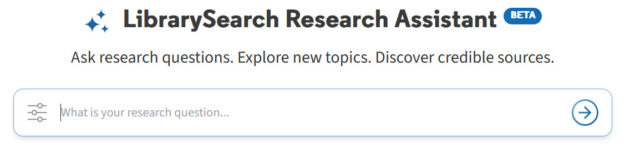
Screenshot of LibrarySearch Research Assistant user interface with the call to action: "Ask research questions, explore new topics, discover credible sources."

The Libraries are excited to introduce a new AI-driven way to explore scholarly sources using LibrarySearch. Research Assistant allows you to ask research questions in your own words, rather than relying on traditional keyword searching.

The tool constructs an advanced search across over 5 billion records in a unified database of vetted, reliable academic materials, then returns citations for five relevant sources and provides a brief overview of these sources based on their abstracts. Additionally, it offers suggestions for related research questions. You can also view the complete search results generated by Research Assistant in LibrarySearch.

Research Assistant enables you to discover content beyond St. Thomas collections. Items not immediately available locally can be requested through our interlibrary loan service.

As with any experimental tool, there are limitations. Research Assistant is not able to retrieve sources from local collections, like physical books owned by St. Thomas. It also excludes news content and material from certain providers, including JSTOR and Elsevier.

To make the most of Research Assistant, try asking detailed, specific questions about academic topics, like the ones displayed on the starting screen.

We hope you find this new tool helpful! We welcome you to share your feedback through a brief survey.